
Press
Press kit
Everything you need to write about Sorting Room.
App icon, six screenshots and seven clean app-window captures, all as full-resolution PNGs.
Facts
- Name
- Sorting Room
- Developer
- Parth Gupta (Studio Random Walk)
- Platform
- Mac, native SwiftUI app
- Requirements
- macOS 14 (Sonoma) or later · Apple Silicon and Intel
- Appearance
- Liquid Glass on macOS 26; compatible visuals on earlier versions
- Current build
- 0.2.0 (4)
- Price
- $19 once from this site, after a free 7-day trial: 2 Macs and 1 year of updates, then $15 for each extra year of updates.
- Release date
- To be announced
- Website
- getsortingroom.com
- Press contact
- [email protected]
Short description
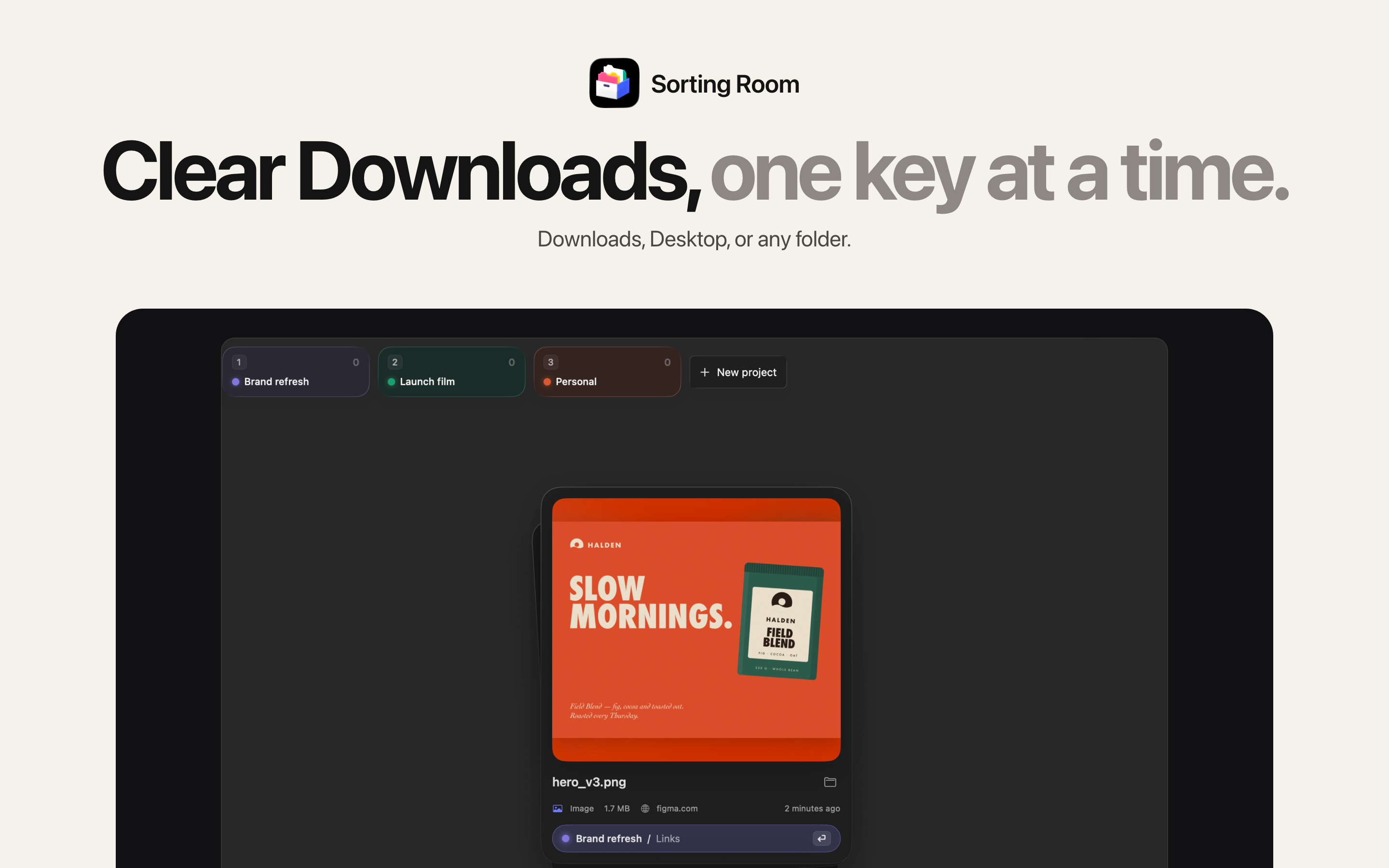
Clear out Downloads one key at a time. Every file lands in its project, keeps its exact name, and can be undone during your session. Finished projects offload to any drive, verified.
Long description
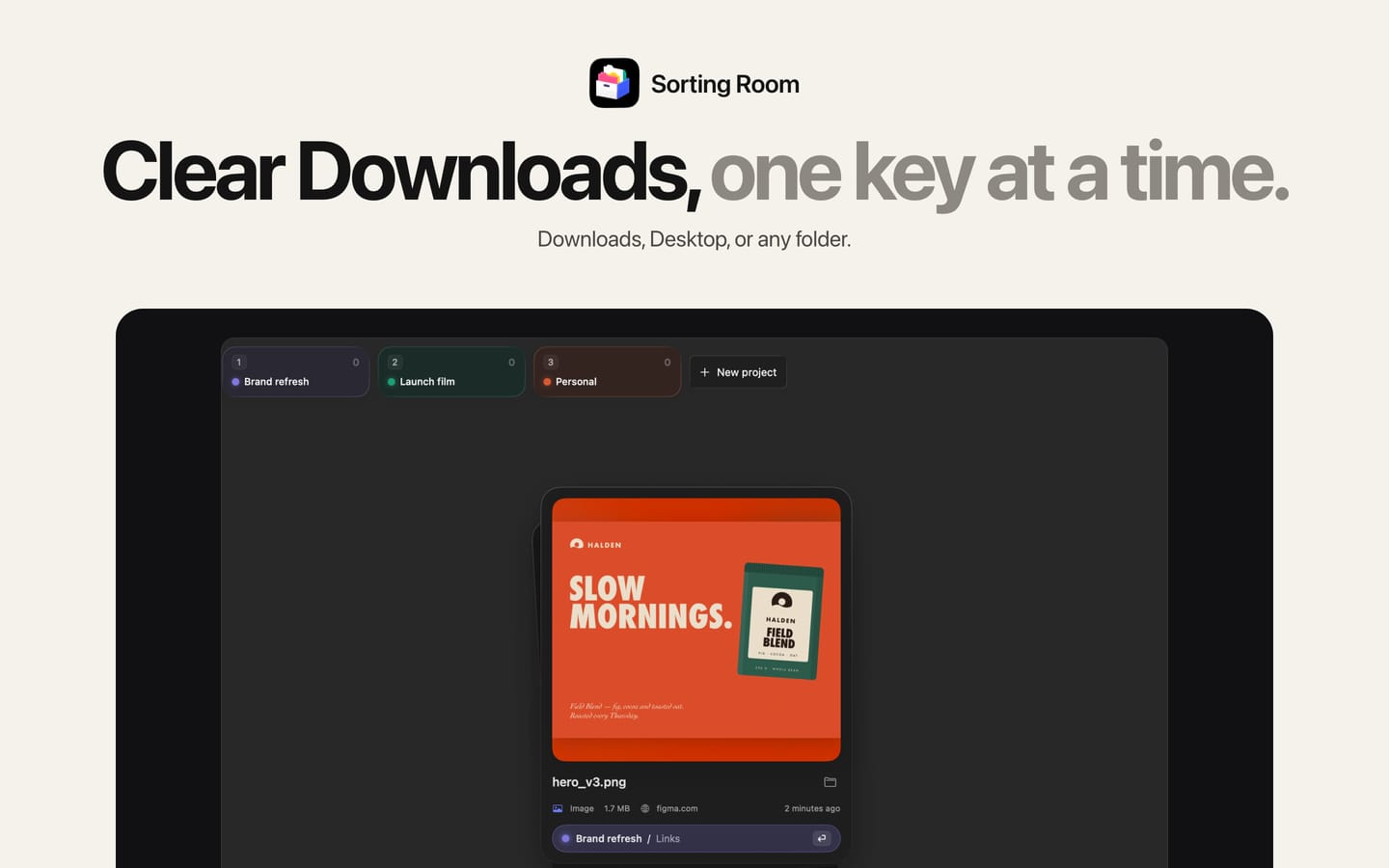
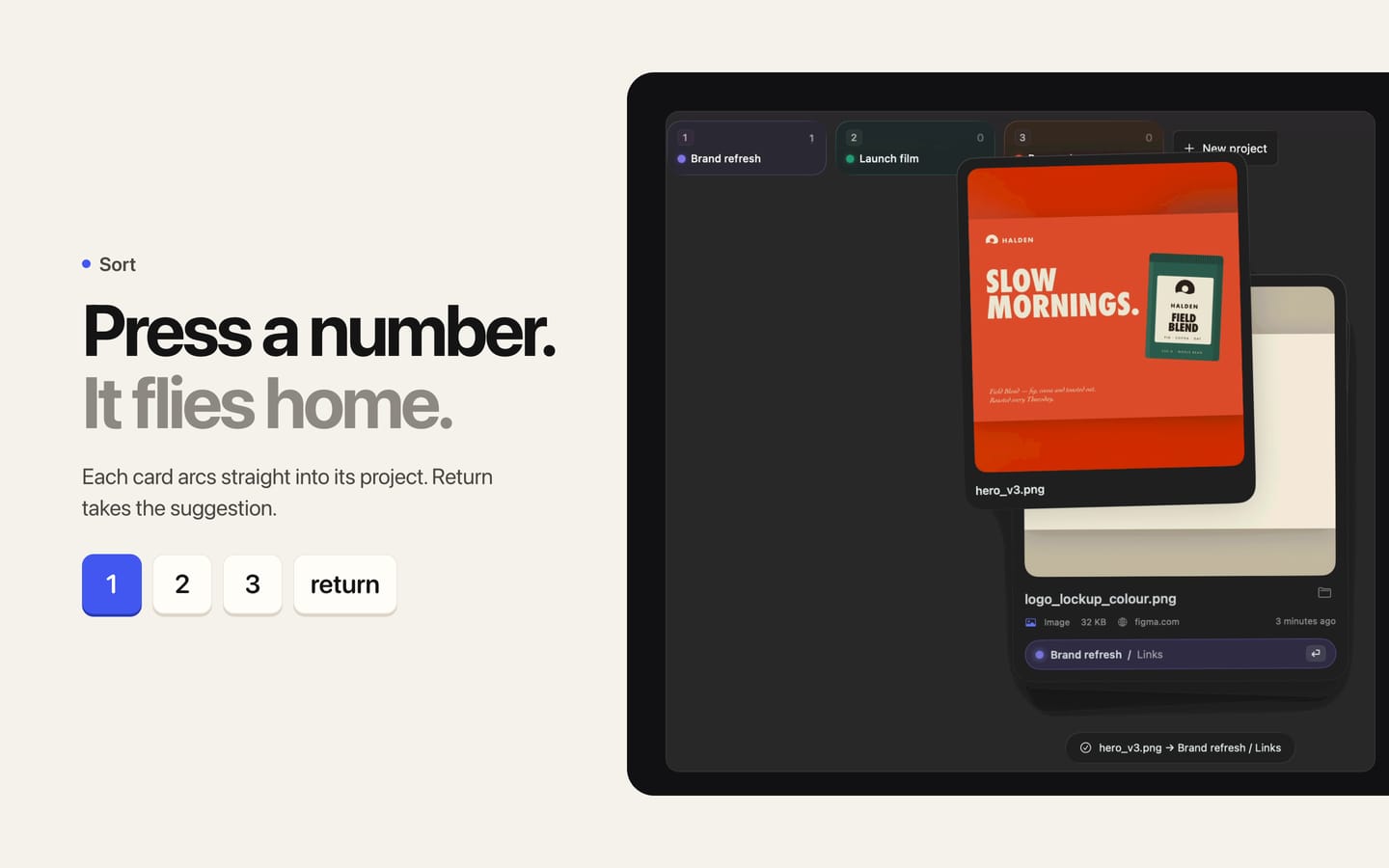
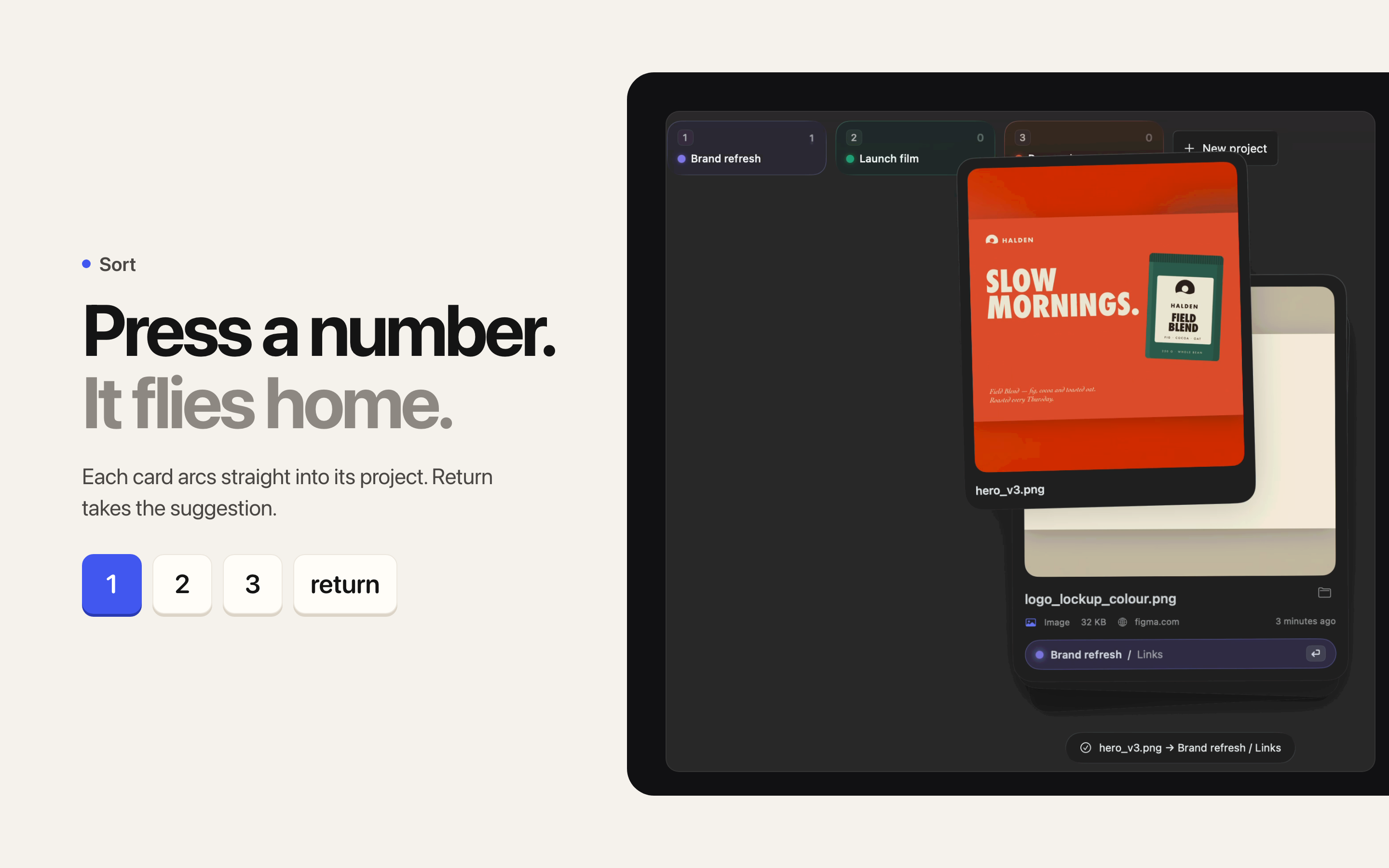
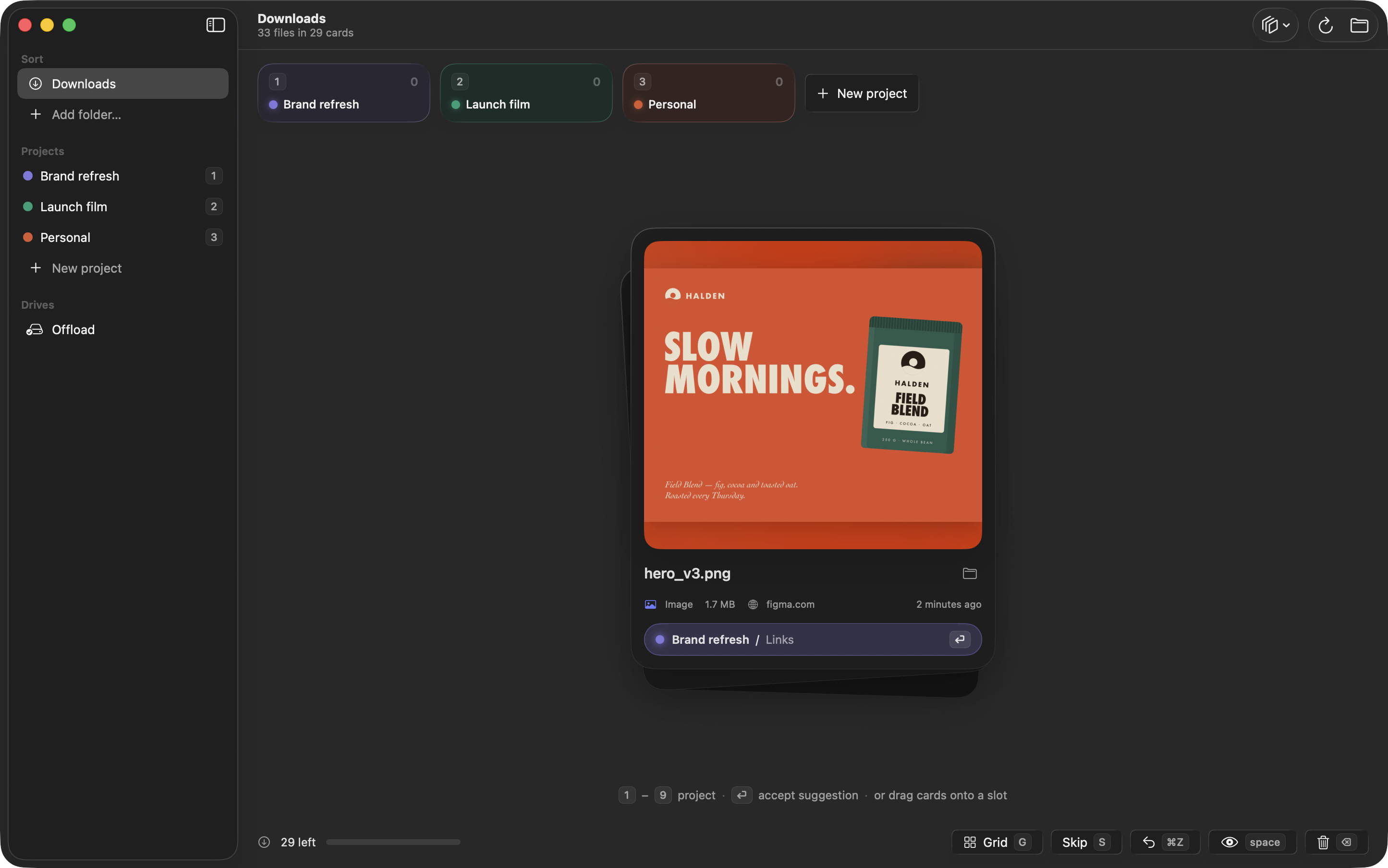
Sorting Room turns a messy Downloads folder into a quick, satisfying deck of cards. Press a number and each file flies into the right project folder. Press Return to take the suggestion.
Built for designers, motion designers, and anyone who keeps their work in project folders.
Sort at the speed of a keystroke
- One key or one drag per file. Numbers pick a project, Return accepts the suggestion, Delete sends a file to the Trash.
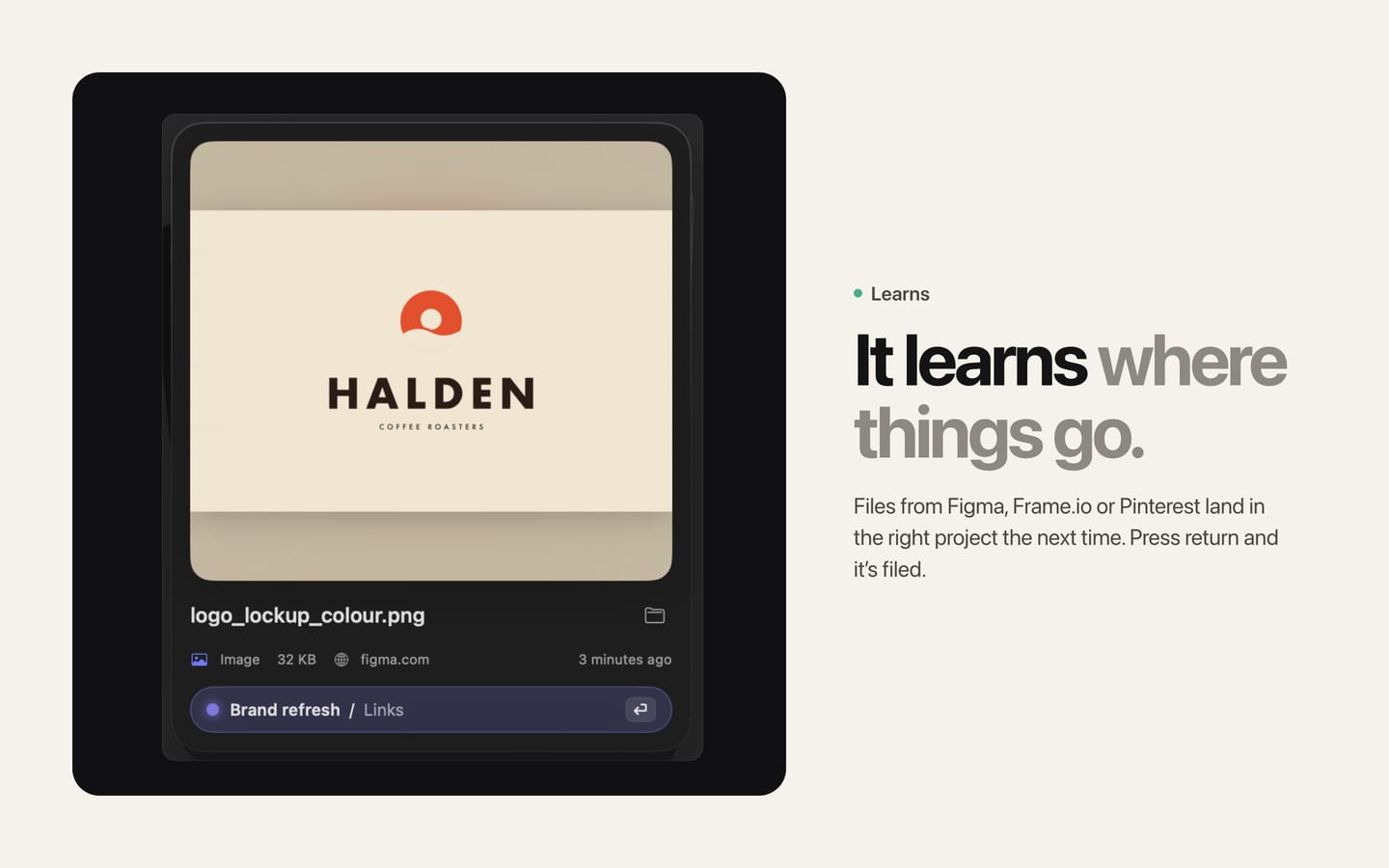
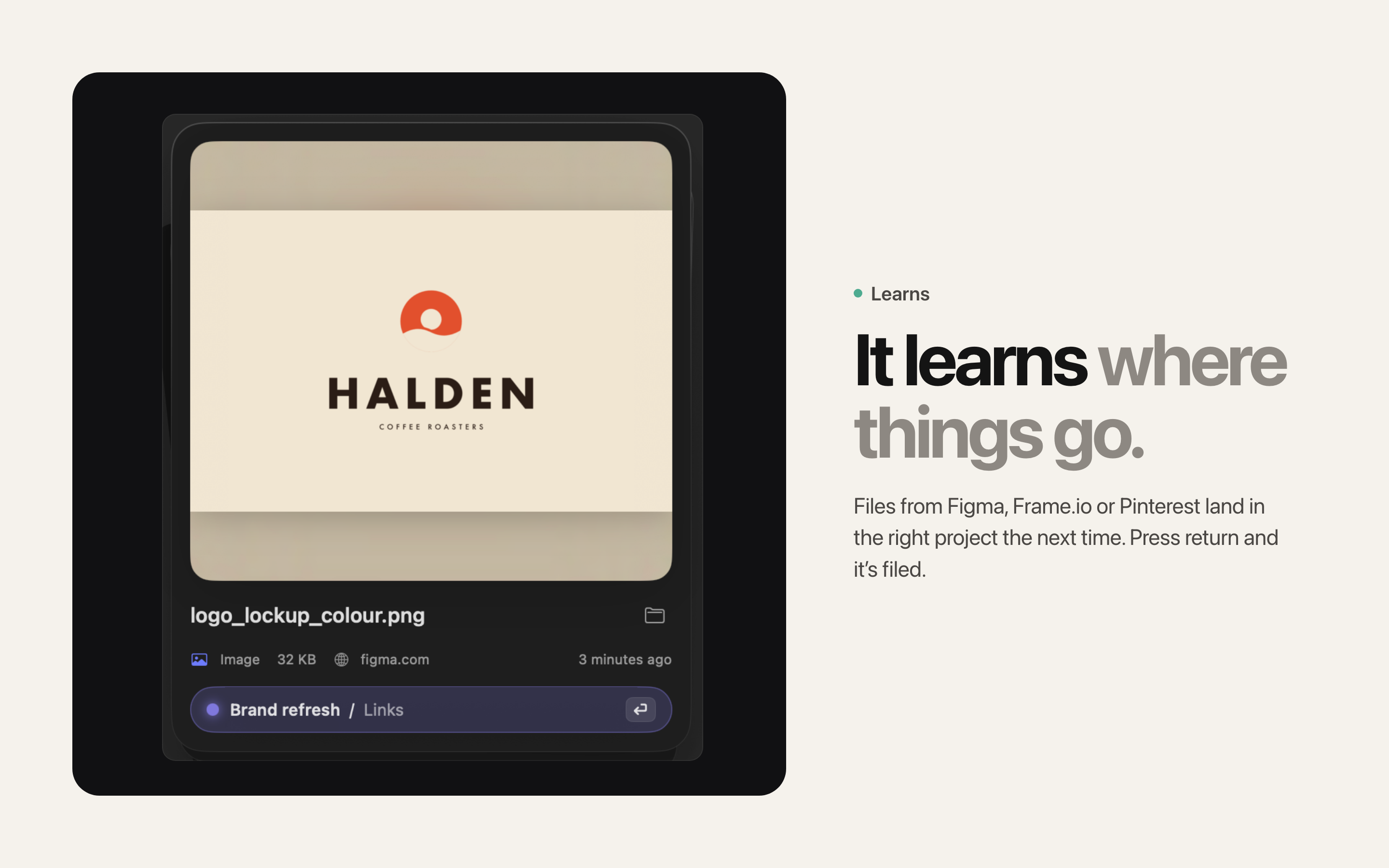
- Sorting Room learns where things go. Files from Figma, Frame.io, Pinterest, or your email land in the right project the next time.
- Related files travel together. A zip and the folder it unpacked to, exports of one file in several formats, and versions like final_v1 and final_v2 become one card.
- Files from one download session are grouped, so a whole batch can be filed in one go.
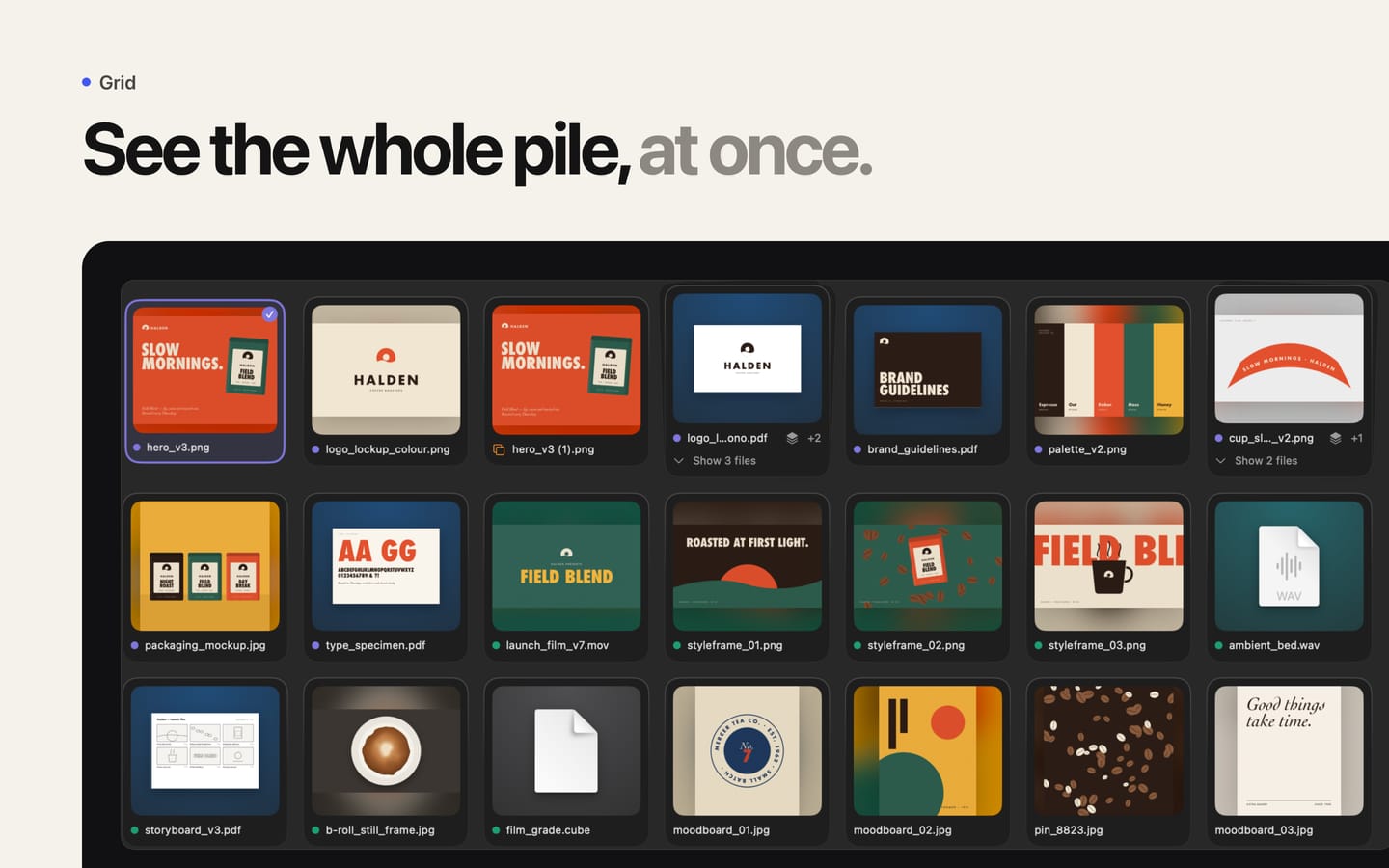
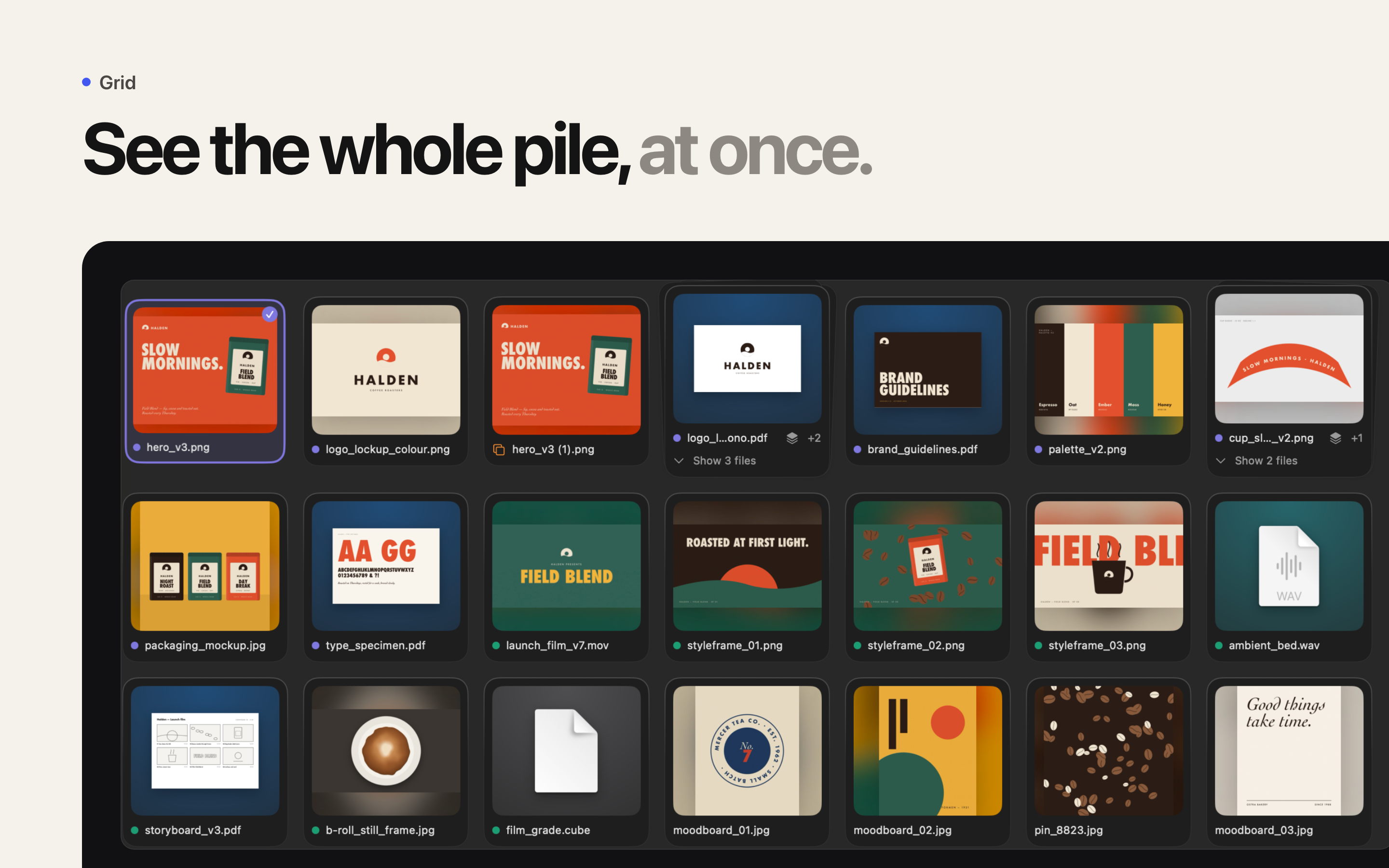
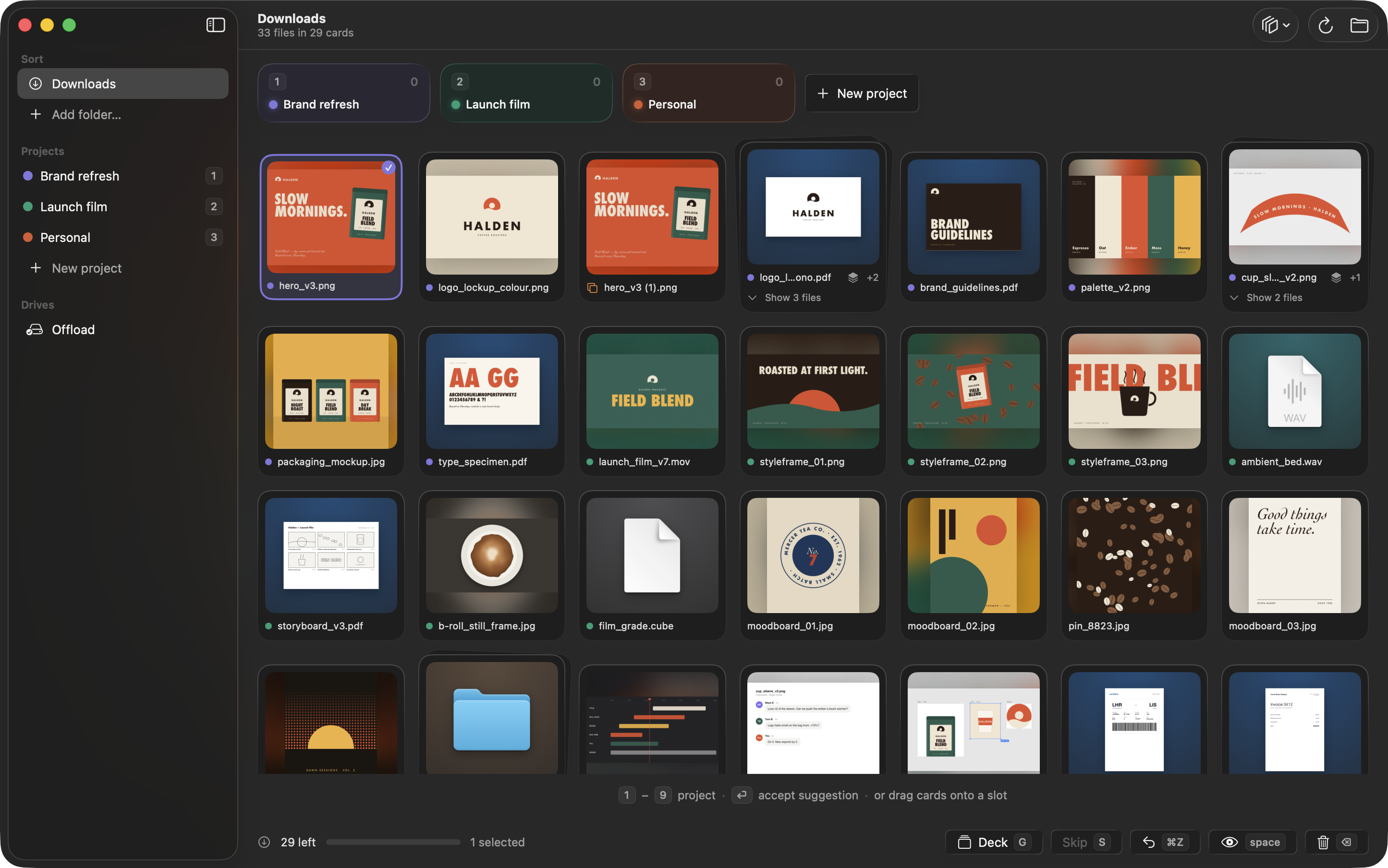
- Switch to the grid to see everything at once, with large previews and Quick Look on Space.
Your files, exactly as they were
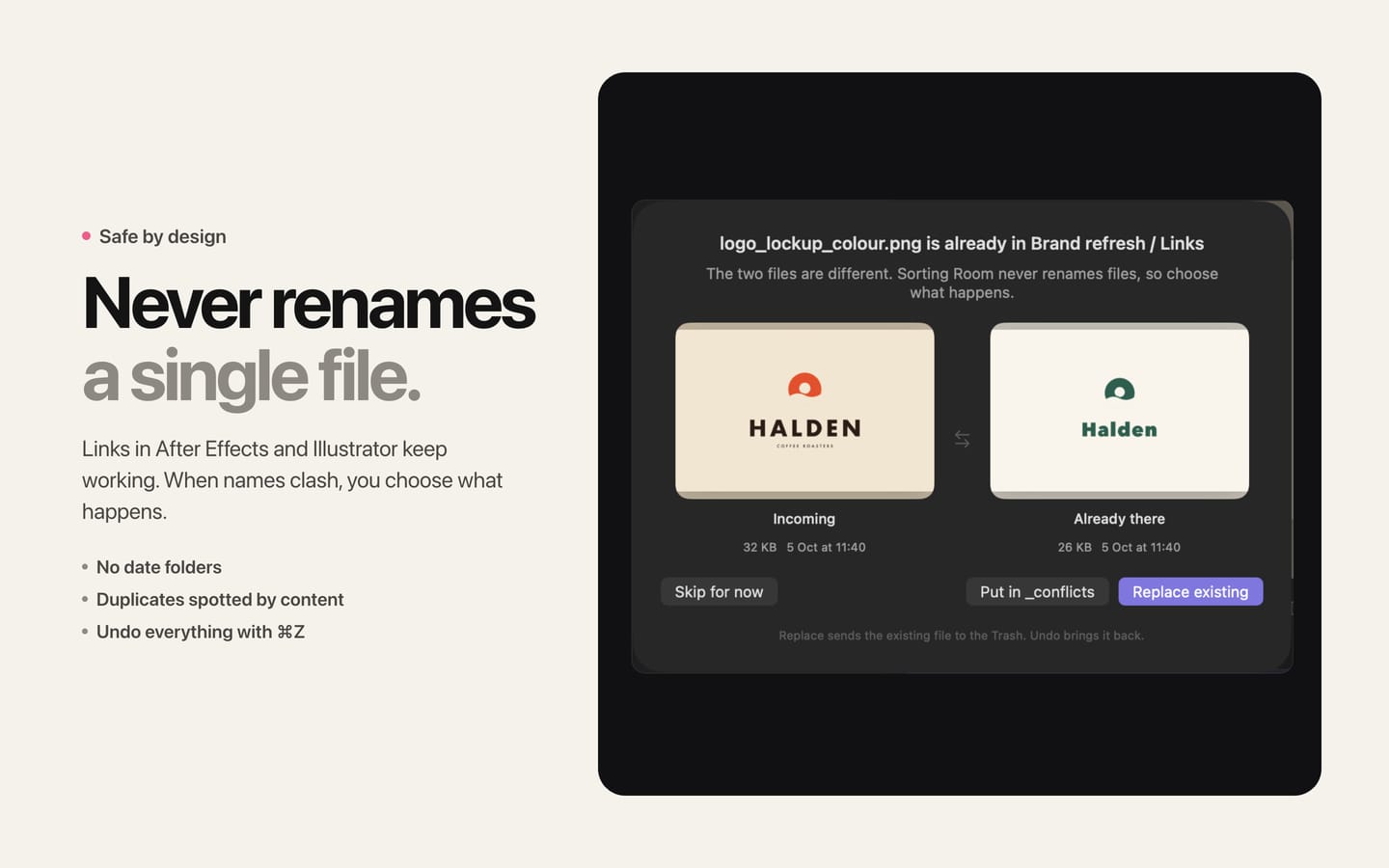
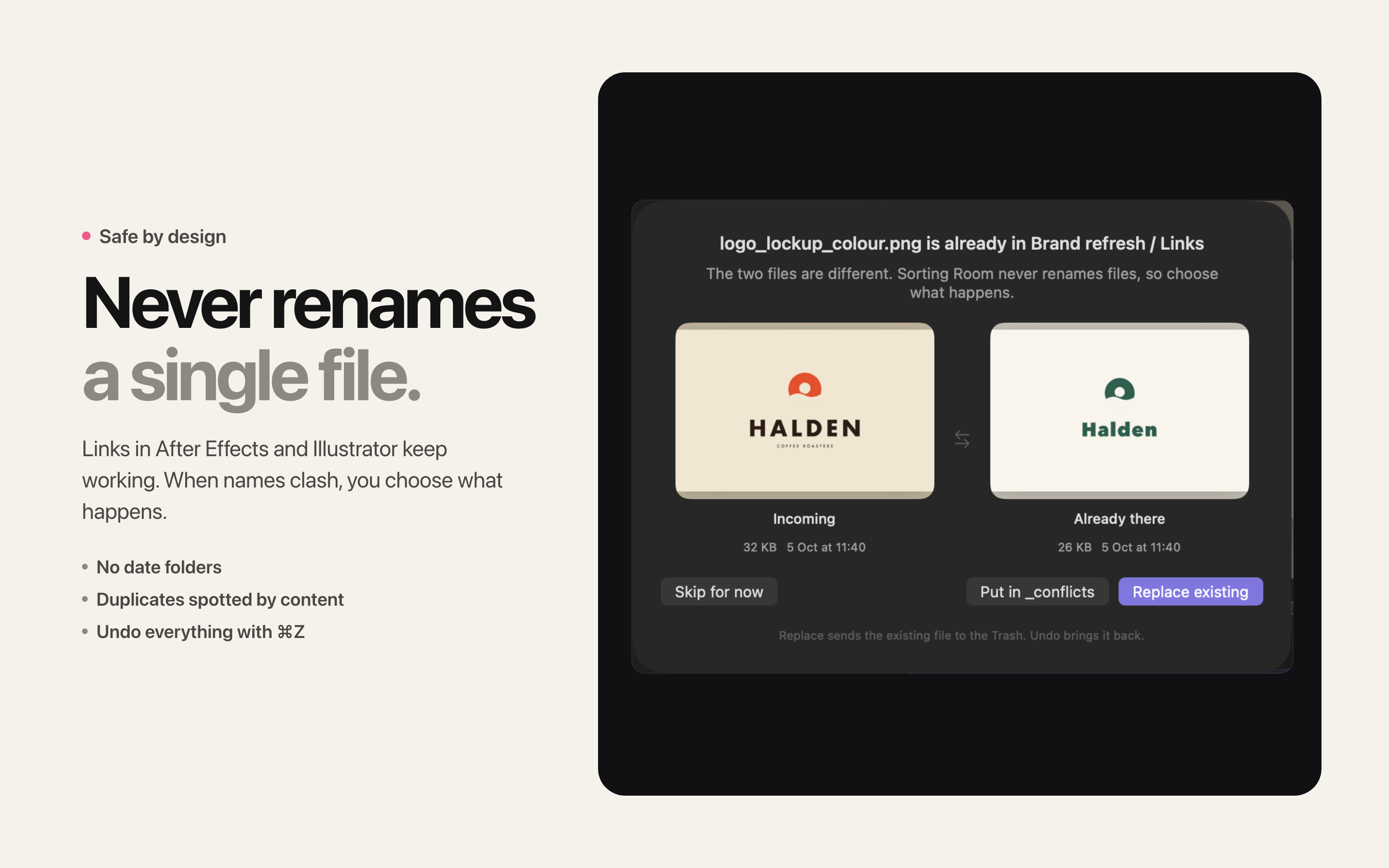
- Sorting Room never renames a file. Moving a file still changes its path, so files already placed in other apps may need relinking.
- No date folders, ever. Your project structure stays the way you made it.
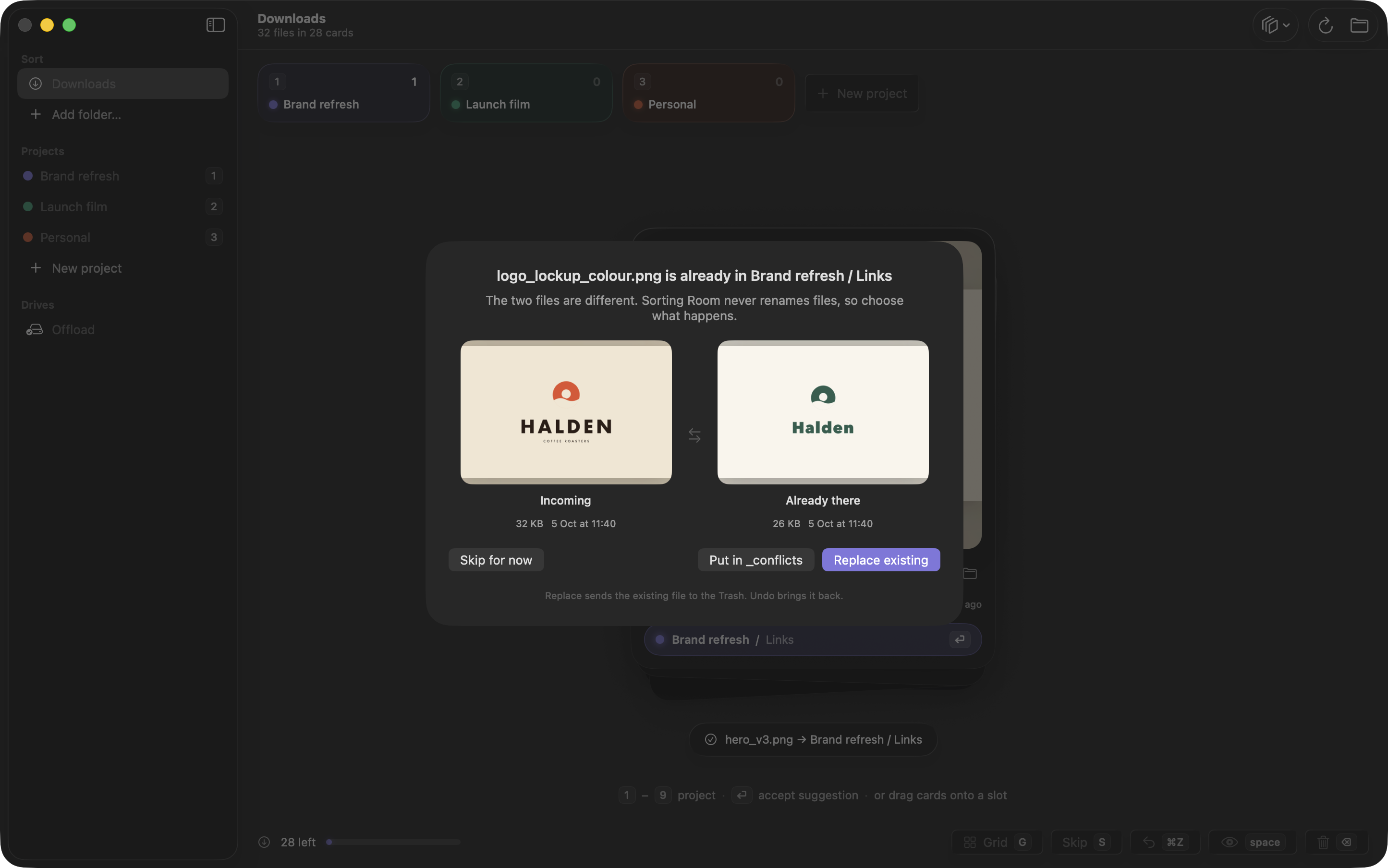
- When a file with the same name is already there, you choose: skip it, replace the old copy (which goes to the Trash), or keep both by putting the new one in a _conflicts folder.
- Exact duplicates are spotted and can go straight to the Trash.
- Every action can be undone with ⌘Z during your session.
Projects that span several folders
- A project is a root folder plus roles such as Links, Assets, Renders, and Deliverables. Each role is simply a folder.
- Start from a template, or adopt the subfolders you already have.
Offload finished work
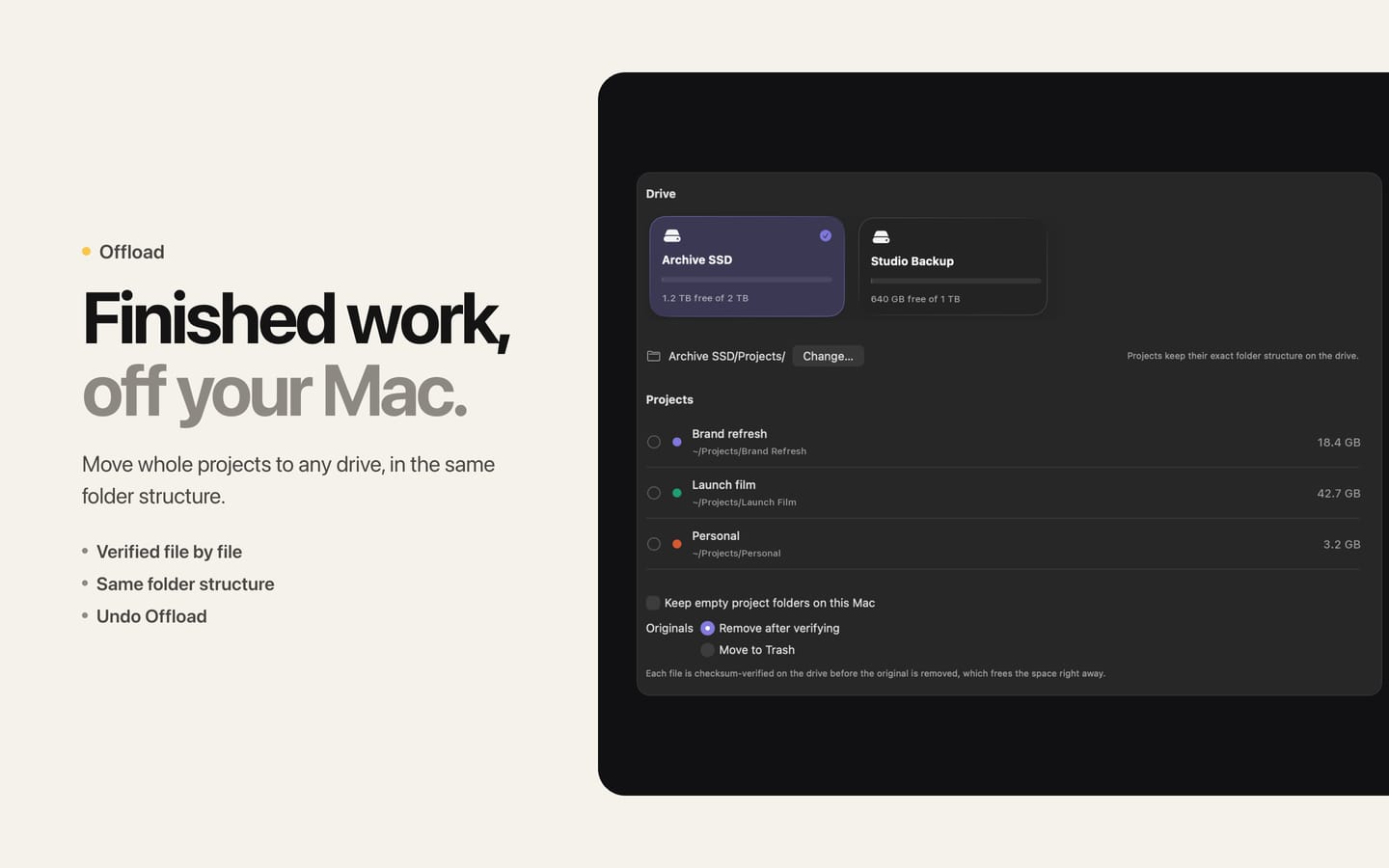
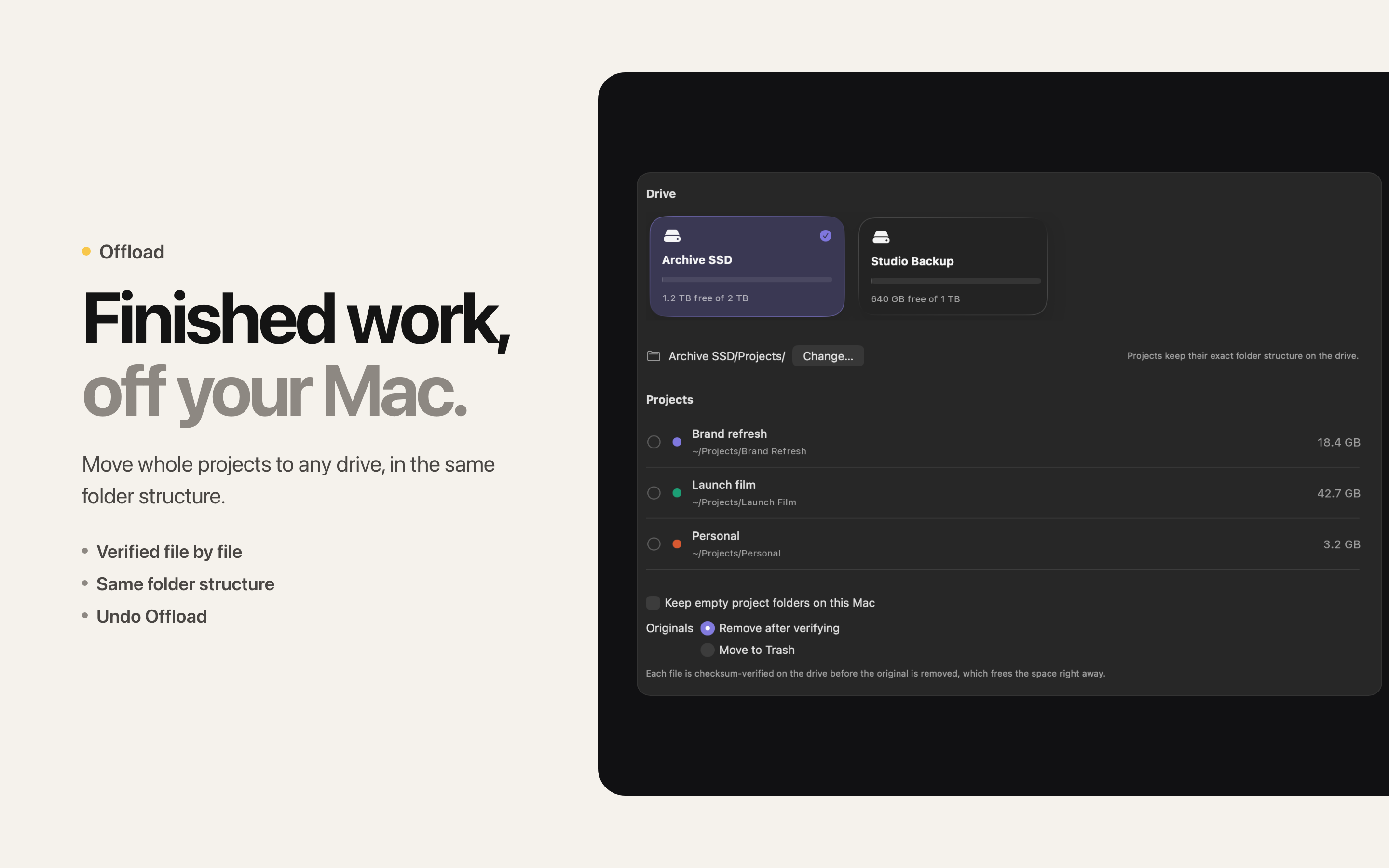
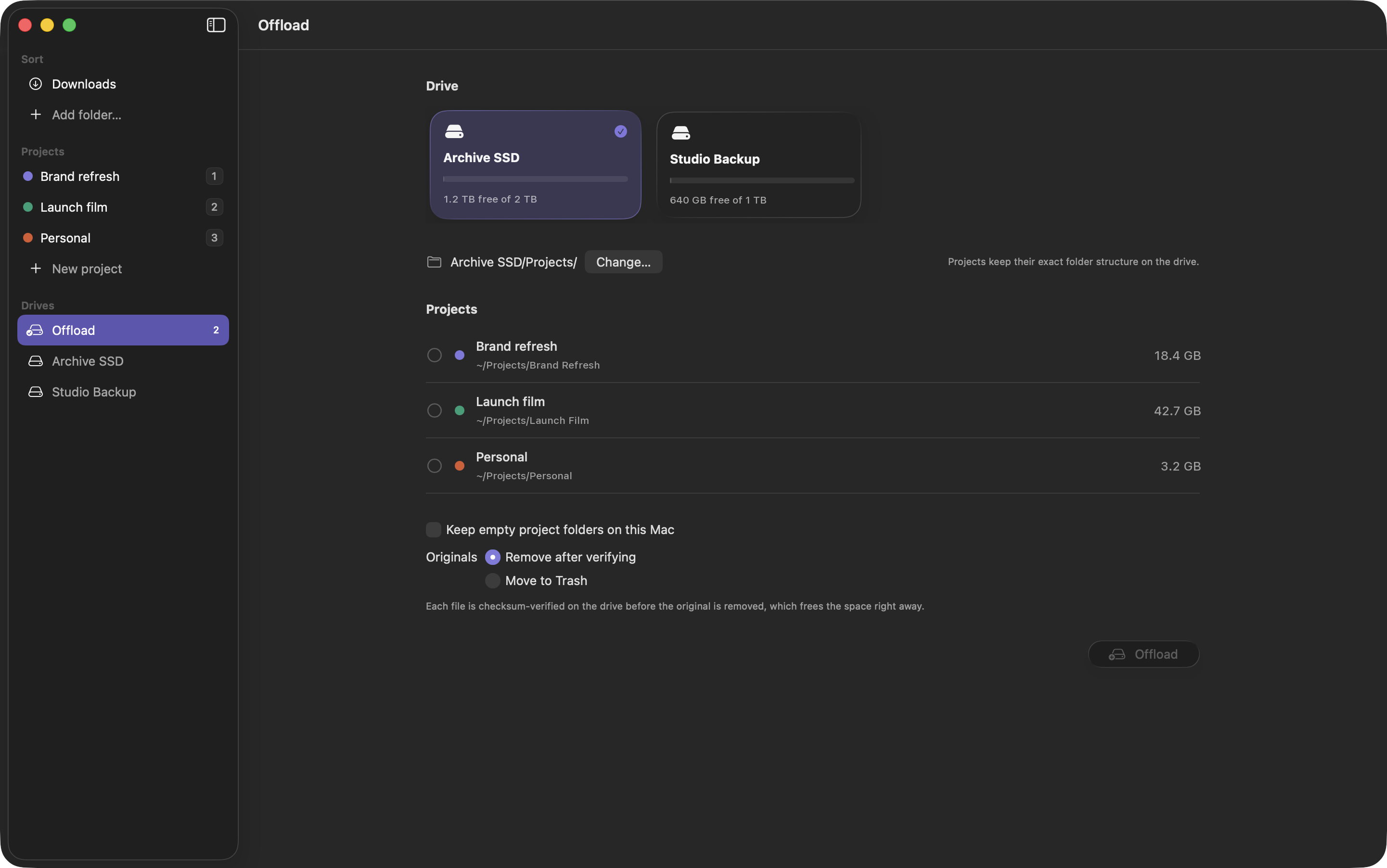
- Move whole projects to any external drive, with the same folder structure.
- Every file is checksum-verified on the drive before the original is removed.
- Drives are recognised by their identity, not their name, so a different drive with the same name never receives your files.
- Changed your mind during the same session? Undo the offload and the project comes back.
Delightful, never slow
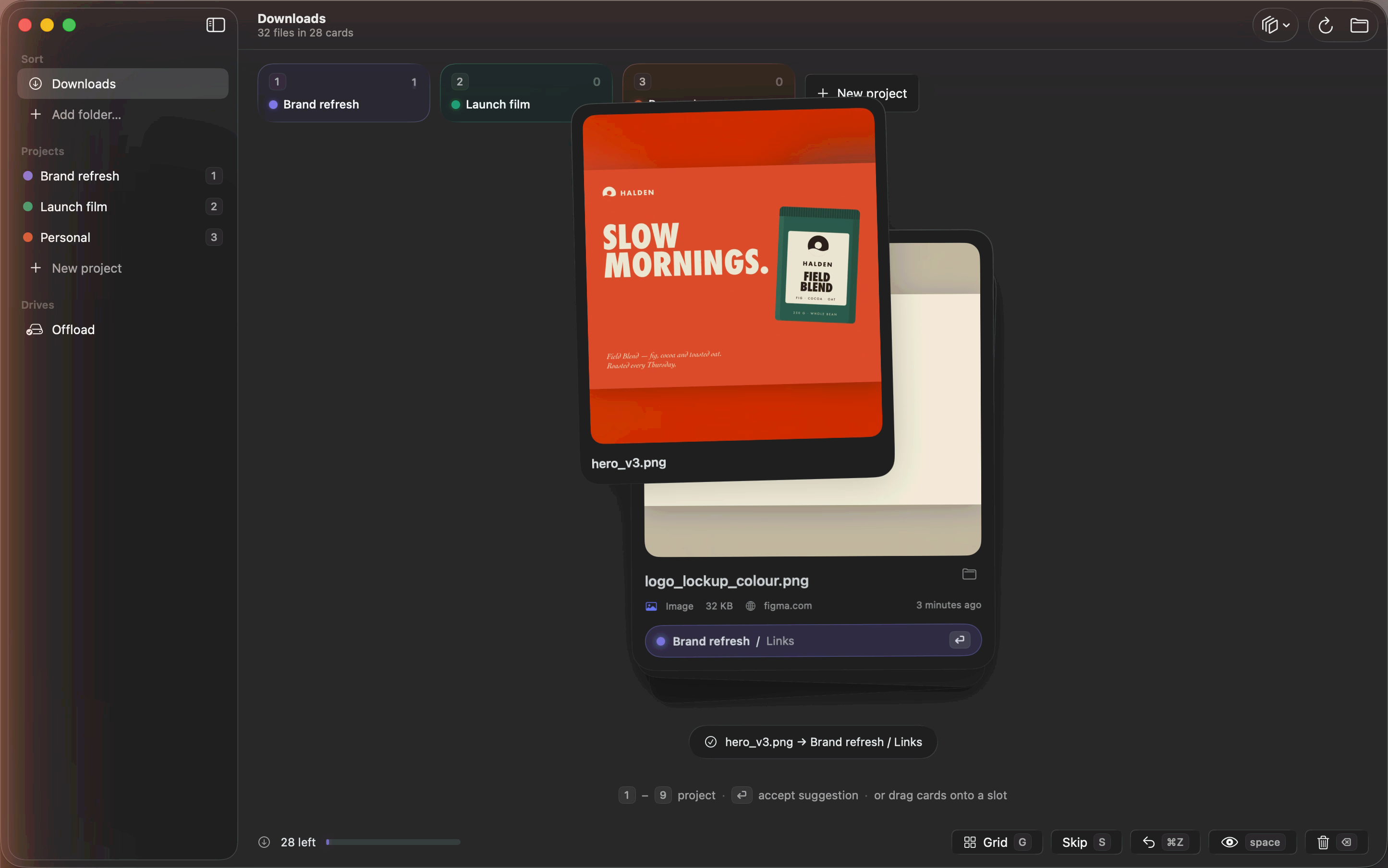
- Cards arc into their folders, slots bounce, and trashed files crumple into a paper ball.
- Animations never block your next key, speed up when you’re on a streak, and respect Reduce Motion.
- A menu bar icon shows how many new files are waiting in each folder.
Sort any folder
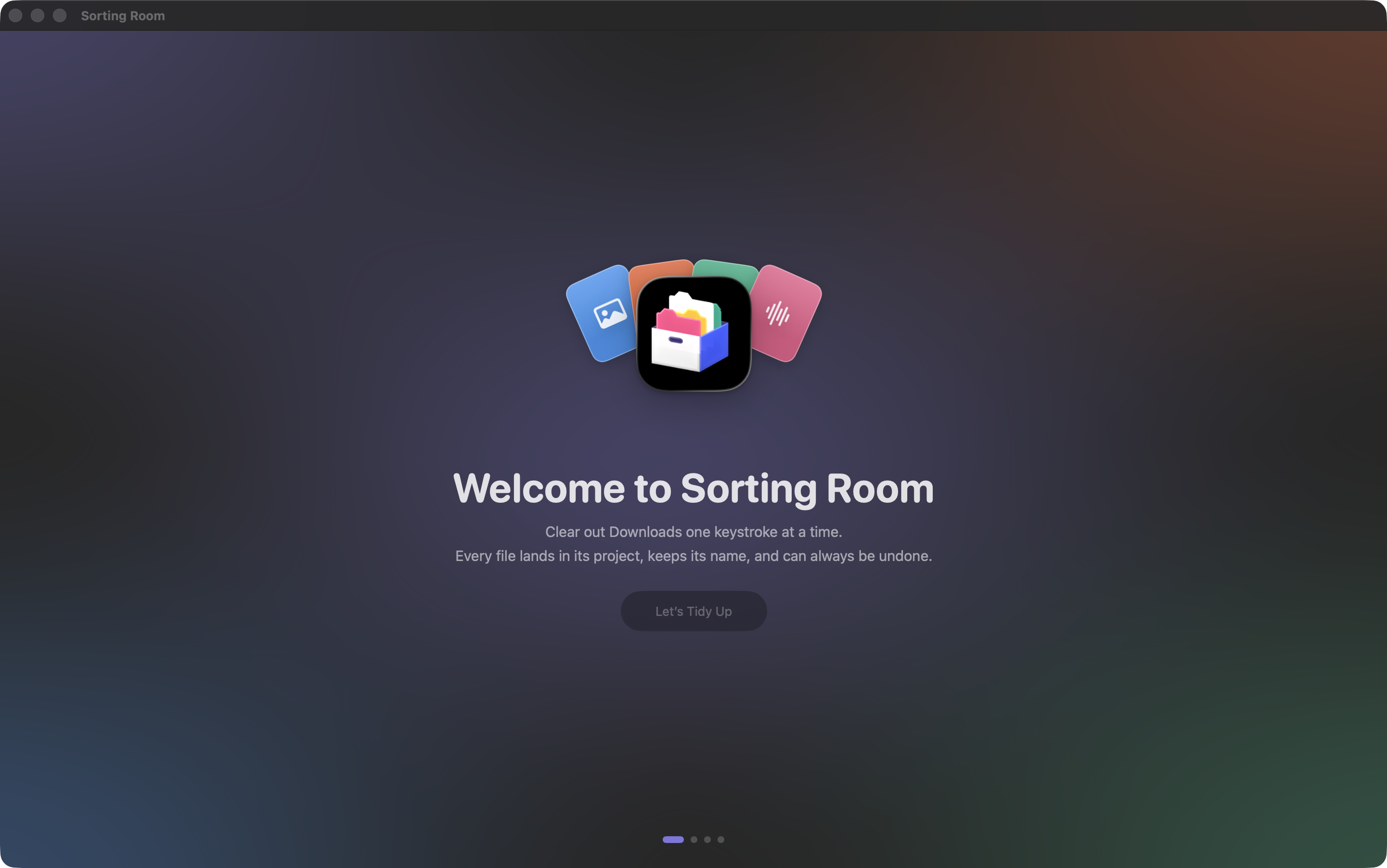
Downloads, Desktop, or any folder you choose. A short welcome tour lets you practise on pretend files before touching real ones.
Private by default
No accounts, no analytics, no tracking. Files are processed on your Mac and go only to folders and drives you choose. Your file names, history, and learned suggestions stay on your Mac.
App icon

icon.png · 1024 × 1024 PNG with transparency
Screenshots
2880 × 1800 PNG.
App-window captures
Full-resolution PNGs (about 2890 × 1808) of the window alone, with transparent rounded corners, for placing on your own backgrounds.
- fx-deck2.png · Sorting screen with a suggested card
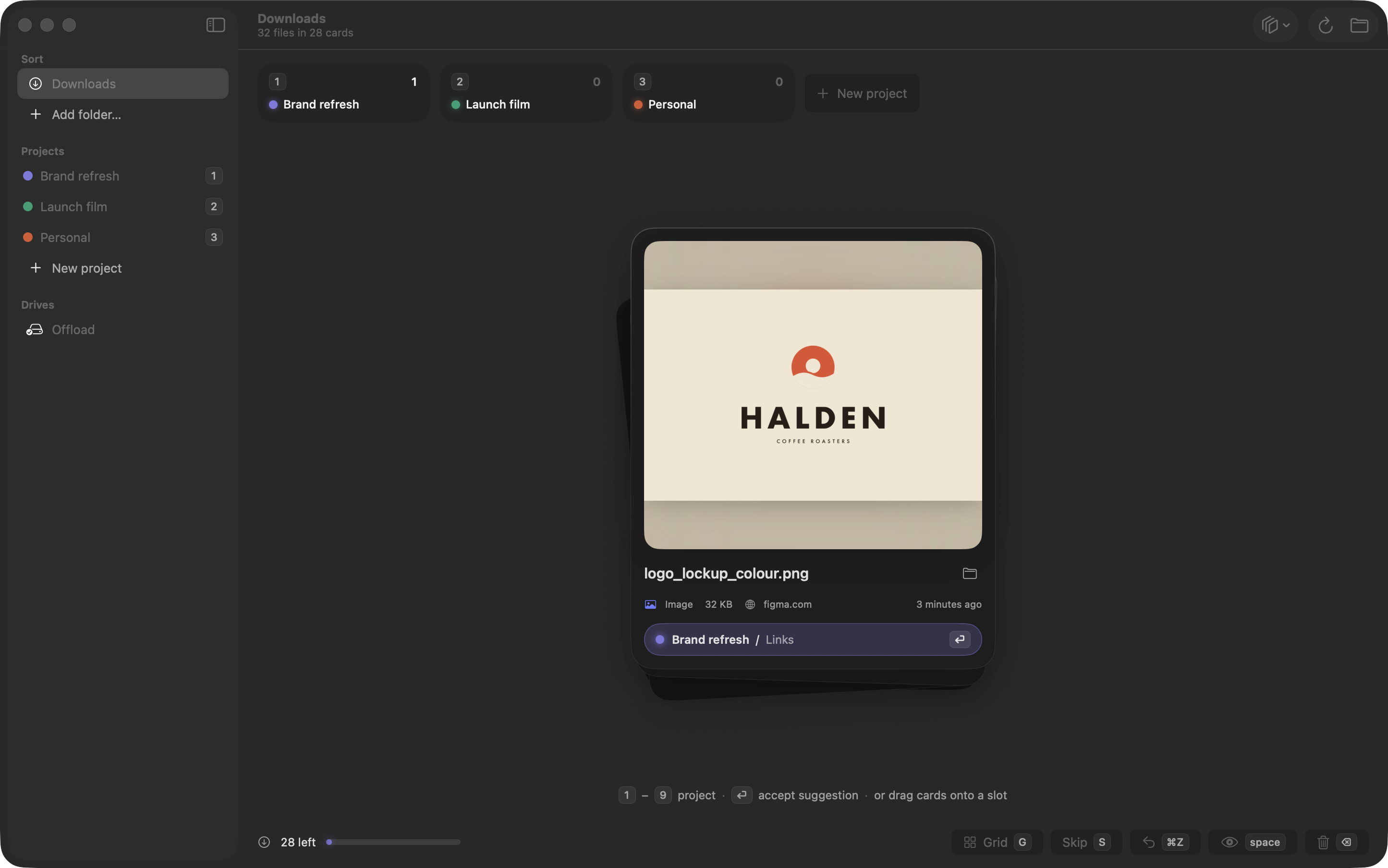
- fx-deck-logo.png · Sorting screen with a logo file
- fx-flight.png · A card flying into a project
- fx-grid.png · Grid view
- fx-conflict.png · Name-clash sheet
- fx-offload.png · Offload screen
- fx-welcome.png · Welcome tour
Please don’t
- Alter the app icon, or crop it into a different shape.
- Describe the suggestions as AI. Sorting Room learns locally from your choices.
- Say that moved files stay linked in other apps. Filenames don’t change, but paths do, so apps may ask to relink.
- Describe Undo as permanent. Undo history lasts for the current session and ends when you quit the app.