






hero_v3.png
Brand refresh / Links↩

Turn any folder into a deck of cards, and file each one into its project with a keystroke.
7 days free · No card needed · macOS 14 or later
Interactive demo with sample files
hero_v3.png
Brand refresh / Links↩
Downloads is clear
8 left
A project is a folder plus roles such as Links, Assets, Renders and Deliverables. Start from a template, or adopt the subfolders you already have.
Downloads, Desktop or any folder you choose becomes a deck of cards. Related files, like a zip and its folder, share one card.
Press 1–9 for a project, or Return to take the suggestion. The file moves into that project’s folder with its filename unchanged.
File it into a project
Take the suggestion
Send it to the Trash
Undo during your session
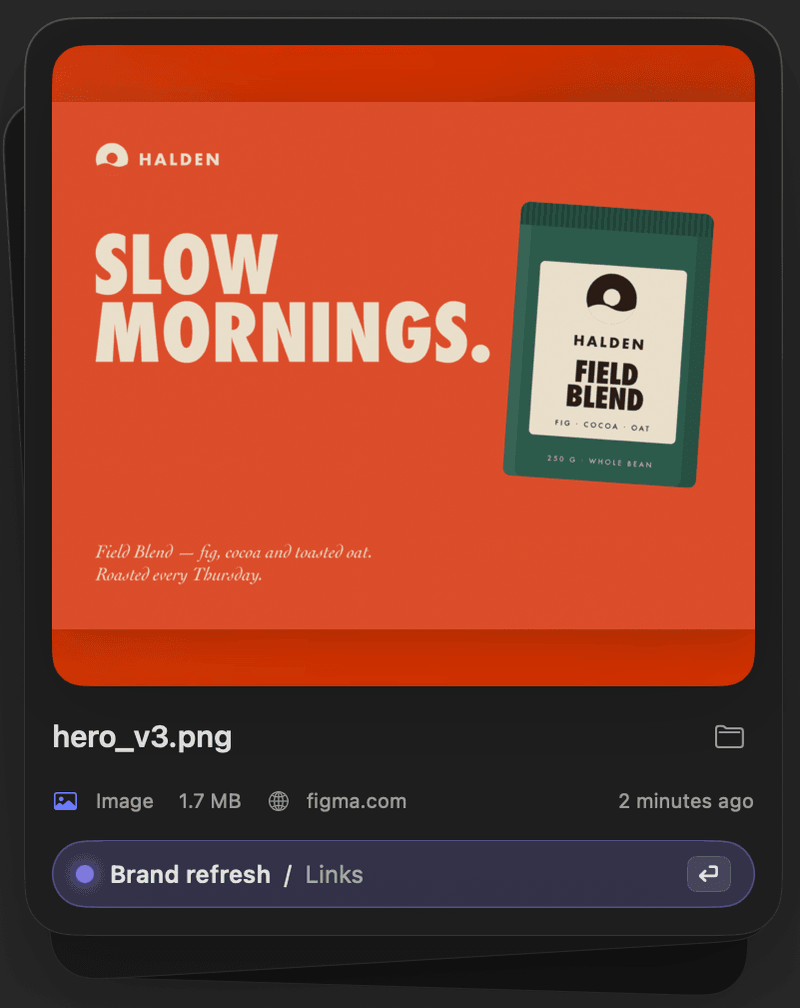
Sorting Room remembers the website a file came from and the words in its name. Next time it suggests the project, and Return files it there.
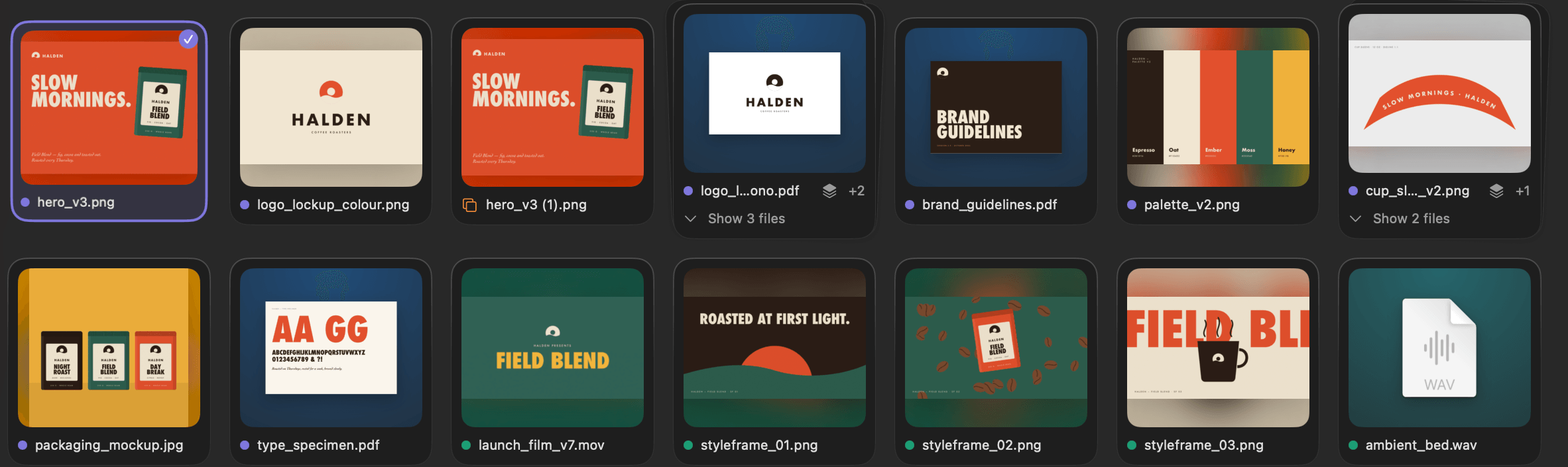
A zip and its folder, logo.svg and logo.png, final_v1 and final_v2, a camera burst, or a whole download session become one card, filed in one go. U deals them out again.
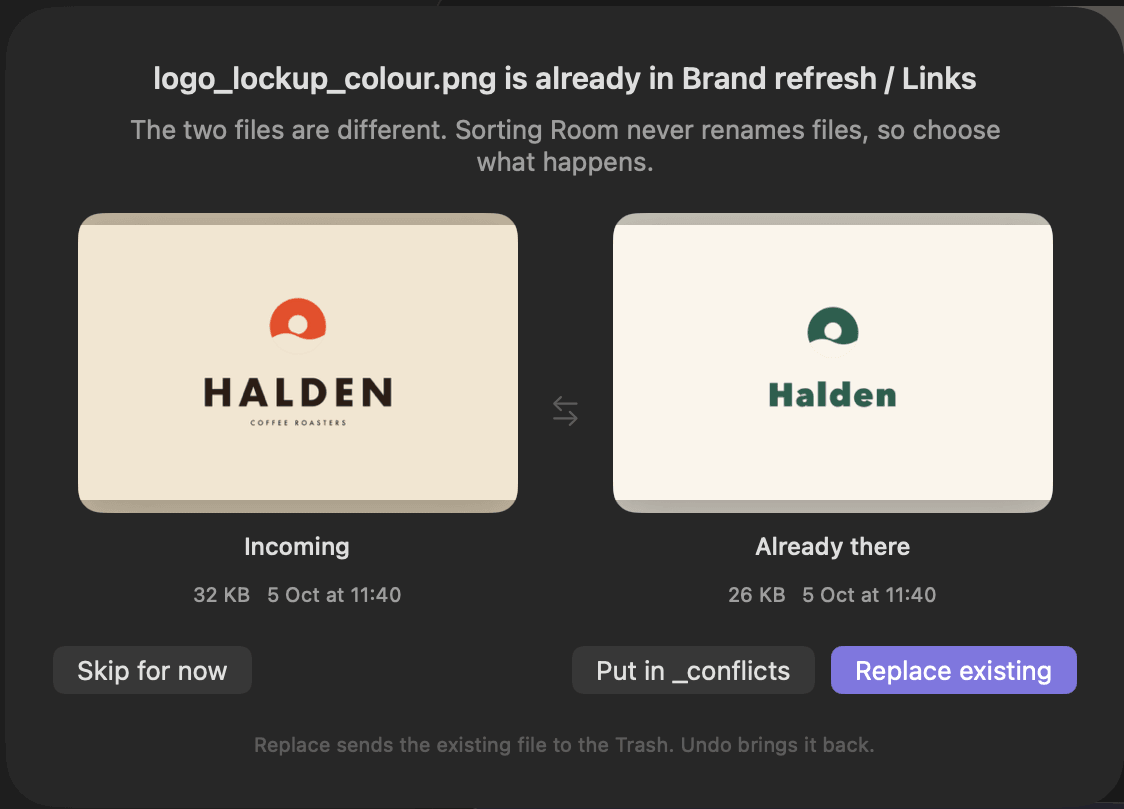
When names clash, you choose: Skip, Replace, or Put in _conflicts. Moving a file still changes its path, so files already placed in After Effects, Premiere or InDesign may need relinking.
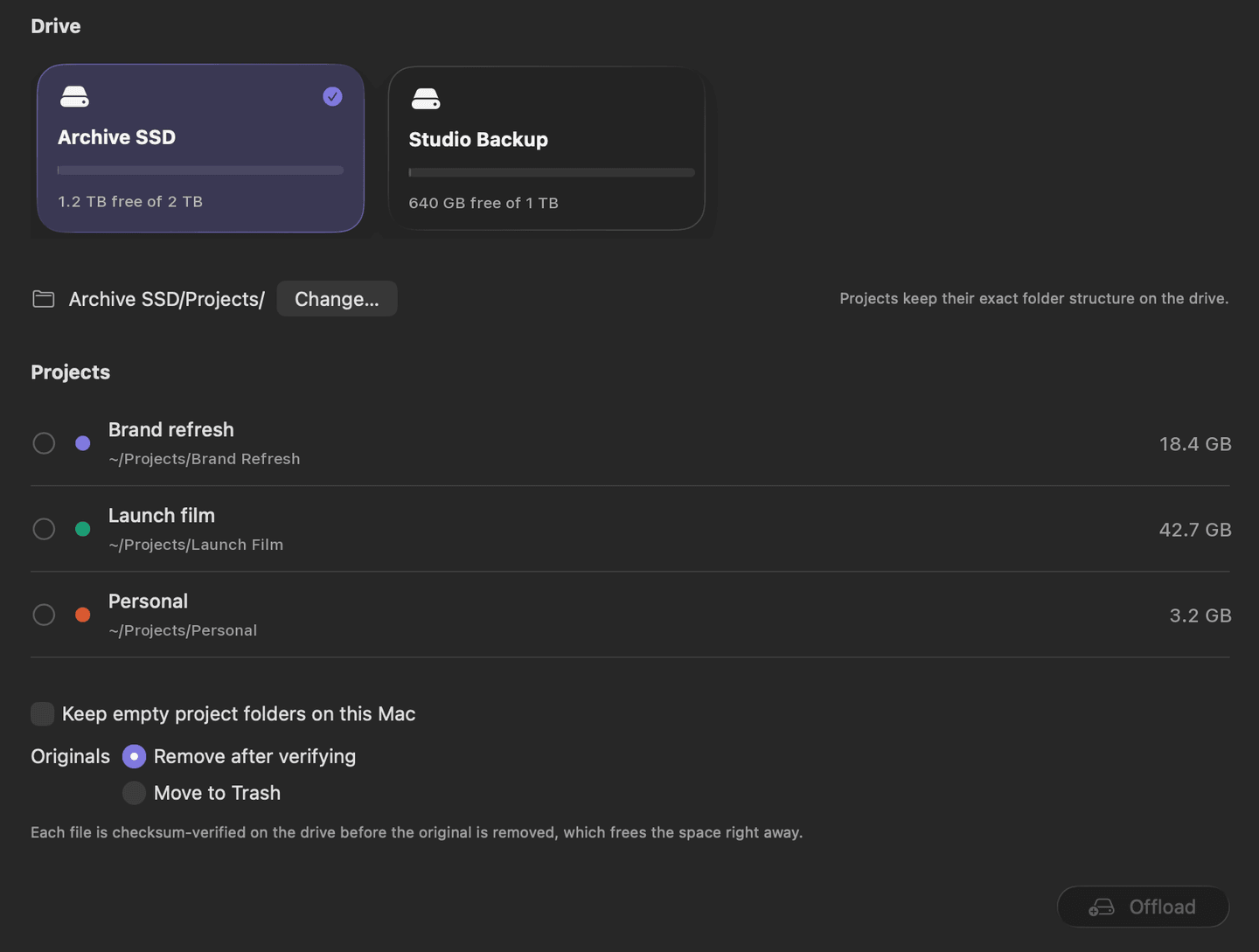
Every file is checksum-verified on the drive before the original is removed.
Whole projects move to any drive exactly as they are. Drives are recognised by identity, not name.
Changed your mind during the same session? Undo brings the project back.
Counts the new files waiting in each folder.
Press Space to preview any file.
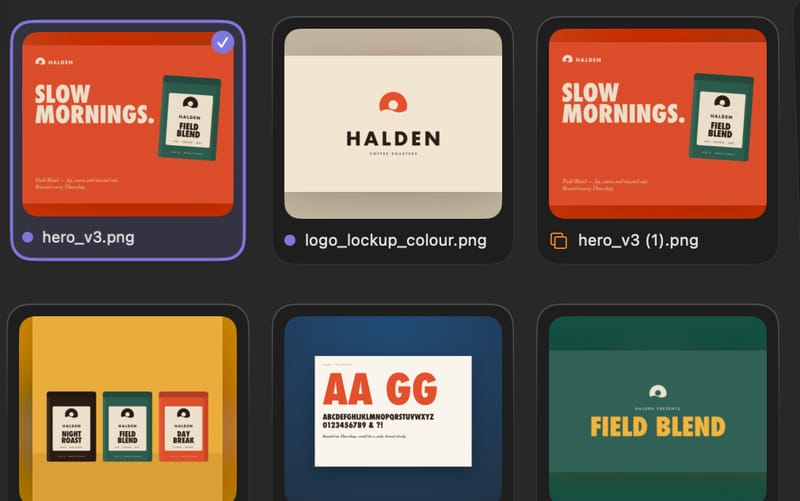
Large previews and multi-select, on G.
S skips a card for now, and undo brings it back.
Practise on pretend files before touching real ones.
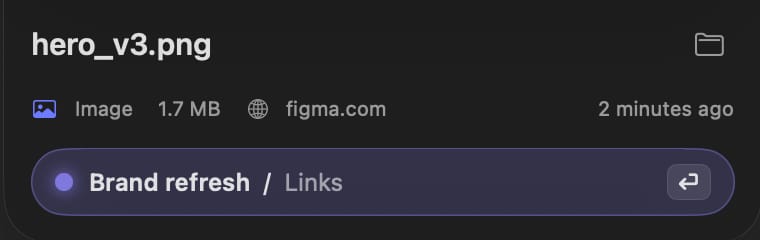
From any card, selection or group member.
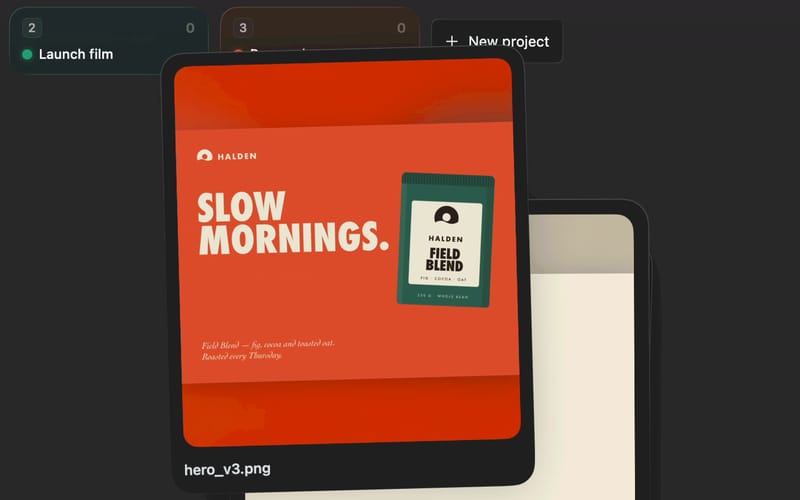
Cards arc into their projects. Animations speed up on a streak and respect Reduce Motion.
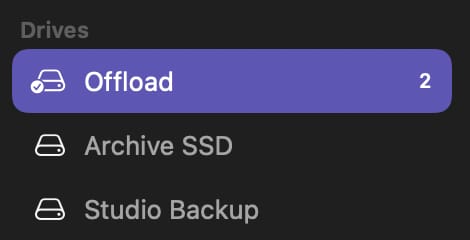
Offload is tested on APFS, exFAT and Mac OS Extended.
Every move is logged with its old and new path, so you can trace files when relinking.
Sorting, duplicate checks and copy verification all happen locally. Files go only to the folders and drives you choose, including an external or network drive for Offload. The version from this site checks its license and looks for updates, and nothing about your files goes with them.
Privacy policyTry it free for 7 days, with every feature and no card needed. Then it’s $19 once: every feature on 2 Macs, with 1 year of updates, and you keep the version you have forever. Another year of updates costs $15, and nothing renews automatically. See what’s included.
Sorting, trashing and starting new offloads pause until you buy. Undo, Restore and the moves log always keep working, so nothing is ever locked away: every file stays where it is, and you can still put back anything Sorting Room moved.
No, never. If a file with the same name is already in the folder, you choose: Skip, Replace (the old copy goes to the Trash), or Put in _conflicts.
Not automatically. Sorting Room keeps each filename, but moving a file changes its path, so an app that has already placed the file may report it missing until you relink it. Because the name hasn’t changed, relinking is usually a matter of pointing the app at the new folder. Filing downloads before you place them in a project avoids relinking altogether.
Yes. Command Z undoes any action during your session, including Trash, Replace, Skip and Offload. Undo history ends when you quit the app.
Each file is copied, checksum-verified (SHA-256) on the drive, and only then removed from your Mac. If you prefer, originals can go to the Trash instead. During the same session, Command Z brings the project back.
No. It suggests, and you decide with a keystroke, so nothing moves that you didn't see. The menu bar icon tells you when new files arrive.
No. There are no analytics, advertising or tracking, and your files never leave your Mac except to folders and drives you choose, which can include an external or network drive for Offload. Your file names, move history and learned suggestions stay on your Mac. The version from this site checks its license with Polar, sending the key and a hashed ID for your Mac, and looks for updates on this site. See the privacy policy.
A Mac with Apple Silicon or an Intel processor running macOS 14 (Sonoma) or later. Liquid Glass is available on macOS 26; earlier versions use compatible visuals.

7 days free. No card needed. Pay once, keep it forever. What’s included
For Mac · macOS 14 or later · Apple Silicon & Intel


